But why would I want to take the trouble to create animation from the still images? Because it's fun! And it's really easy too!
Watch this animation. Might take a while to load so be patient :)
All macro images shot with a 40D,
Canon MP-E65 1X-5X Macro Lens
and
Canon MT-24EX Twin Flash
A lovely grasshopper answering nature's call:D

You might have guessed correctly that the animation above was created from 3 still images. Now let me walk you through the whole process.
I am sure there are many ways to create an animation like this. As for me, i use this freeware called
Unfreez.
And here are the three images I used for the animation:


The images have to be in gif format (not jpg) but you can do the conversion easily in either Photoshop or most other programs. Just open the jpg in photoshop then File - Save As, and selected CompuServe GIF from the drop down menu. You can also use the Save For Webs & Devices then choose GIF from the drop down menu on the top right.
Next, you launch the UnFreez program, then highlight all the gif images and drag them into the already opened UnFreez box:

Then select the amount of frame delay you want. For this one, I set it at 60 cs. But it's all up to you and the kind of animation you work on. I also check "Loop Animation" so the animation would loop itself.
Last but no least, it might be worthwhile to align the images first if they are not well aligned in the first place. This can be done easily in Photoshop: Files - Scripts - Load Files Into Stack. Make sure you check "Attempt to Automatically Align Source Images".
The animation will work only if you open it in a browser, such as IE, Opera, Firefox etc. It won't work if you open it in Photoshop, Windows Photo Viewer, etc. If you upload it to Flickr, only the Original version will have animation. The resized ones won't.
Here are some other animations i've done in the past: Damselfly Emergence. Big files..but definitely worth seeing. Gotta admit that a HD Video would come in handy here.

A Zanna sp. lantern bug/lanternfly molting from 2nd instar(?) to 3rd instar(3).

Cicada emergence
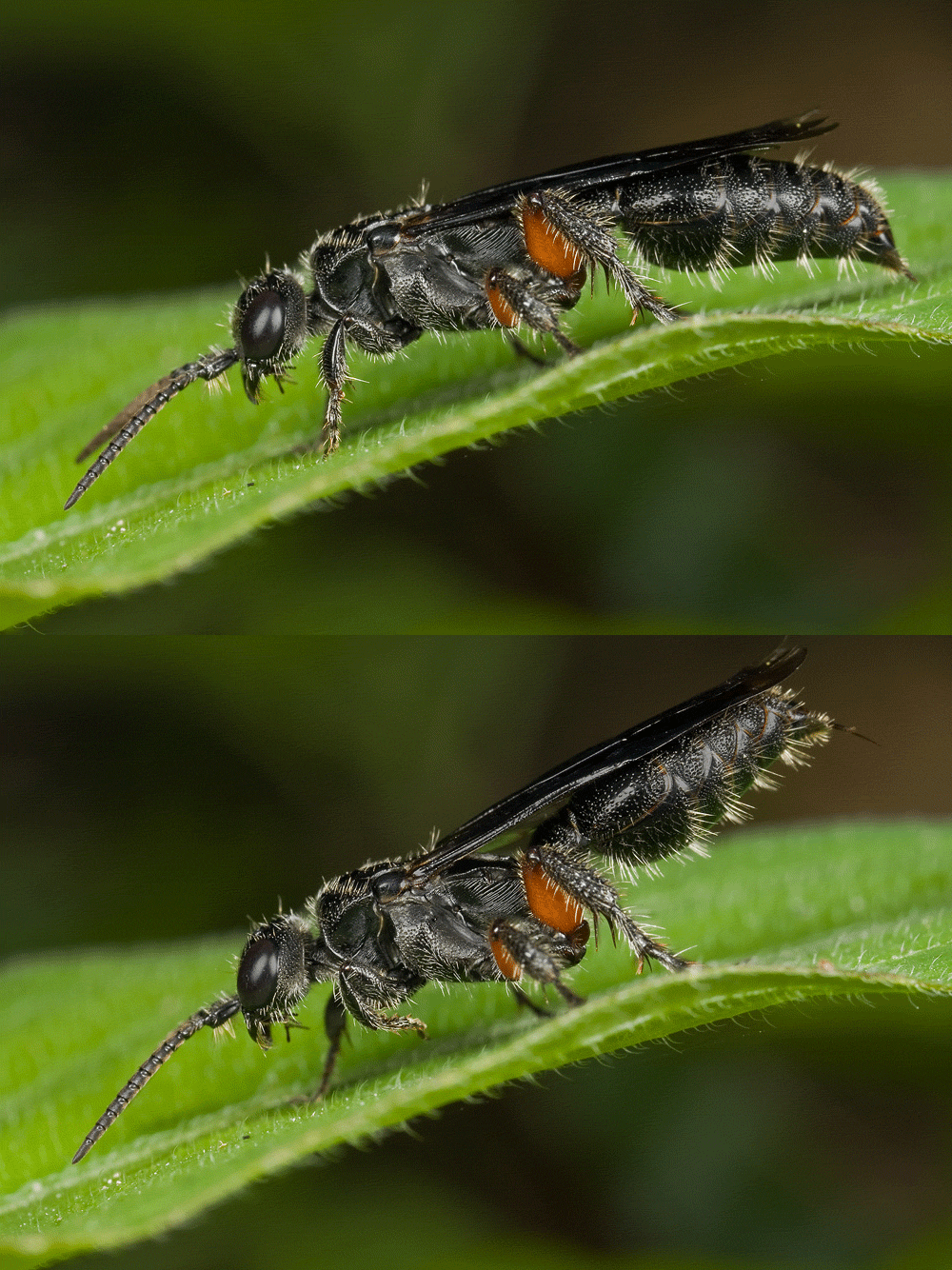
 How a wasp get its killer waist
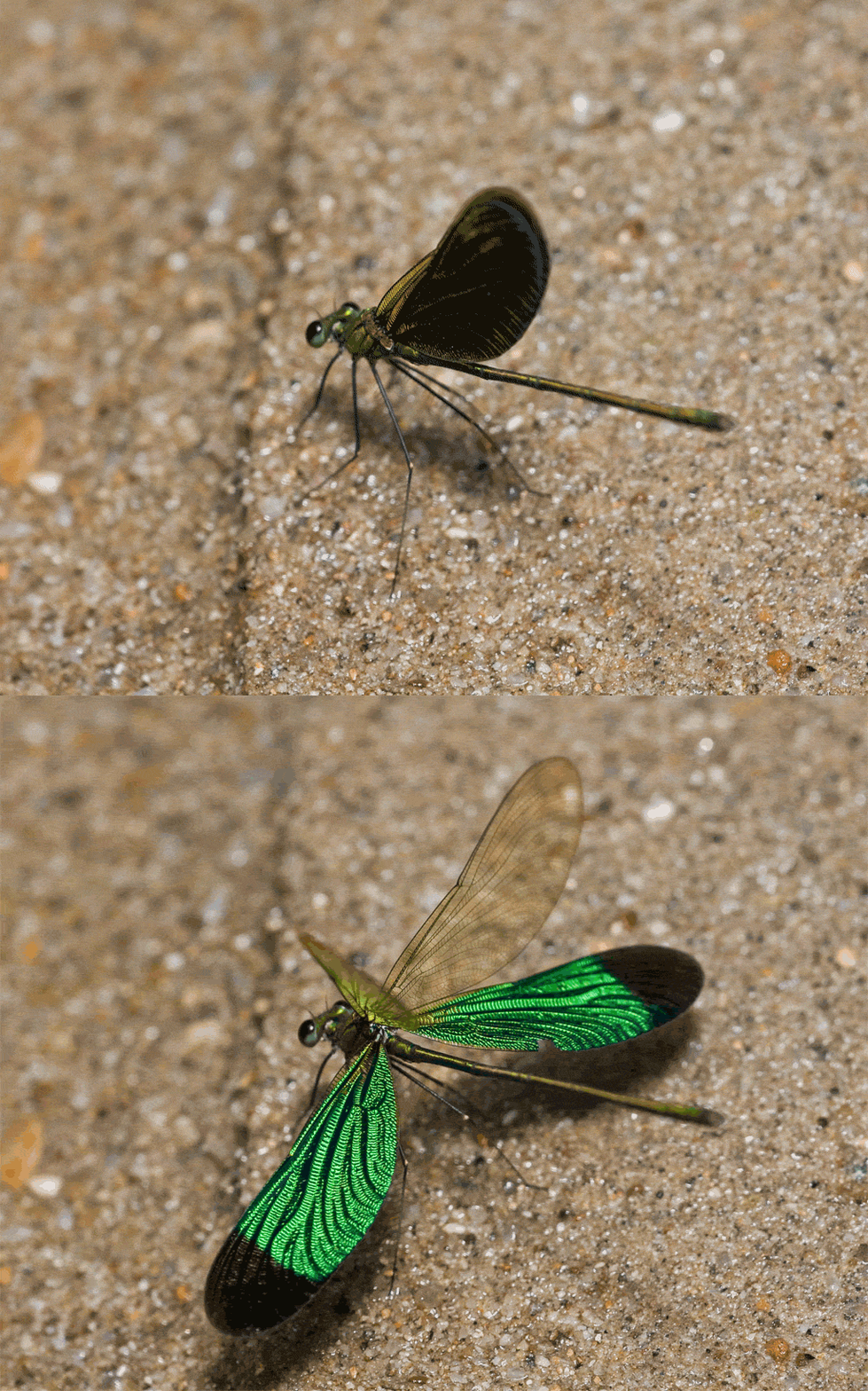
A gorgeous green metalwing damselfly,
Neurobasis chinensis, showing off his
stunning wings color!

You can also create animation all from within
Photoshop CS
itself. I'll blog about this soon.